no software to install, no monthly contracts to sign, no hidden charges
Create New Template

1) Click on account info
2) Click on template
3) Fill in a template name
4) Click on colour palette to select a colour for border and background colour
5) Select check boxes of items of information you wish to show on invoice*
6) Click on next
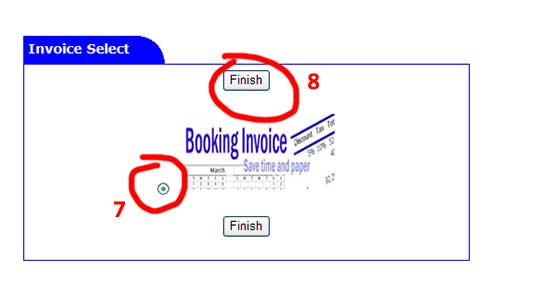
7) select invoice template
8) Click on finish
Note: if you delete an invoice template that has already been assigned to an invoice it will retain setting from that template.